
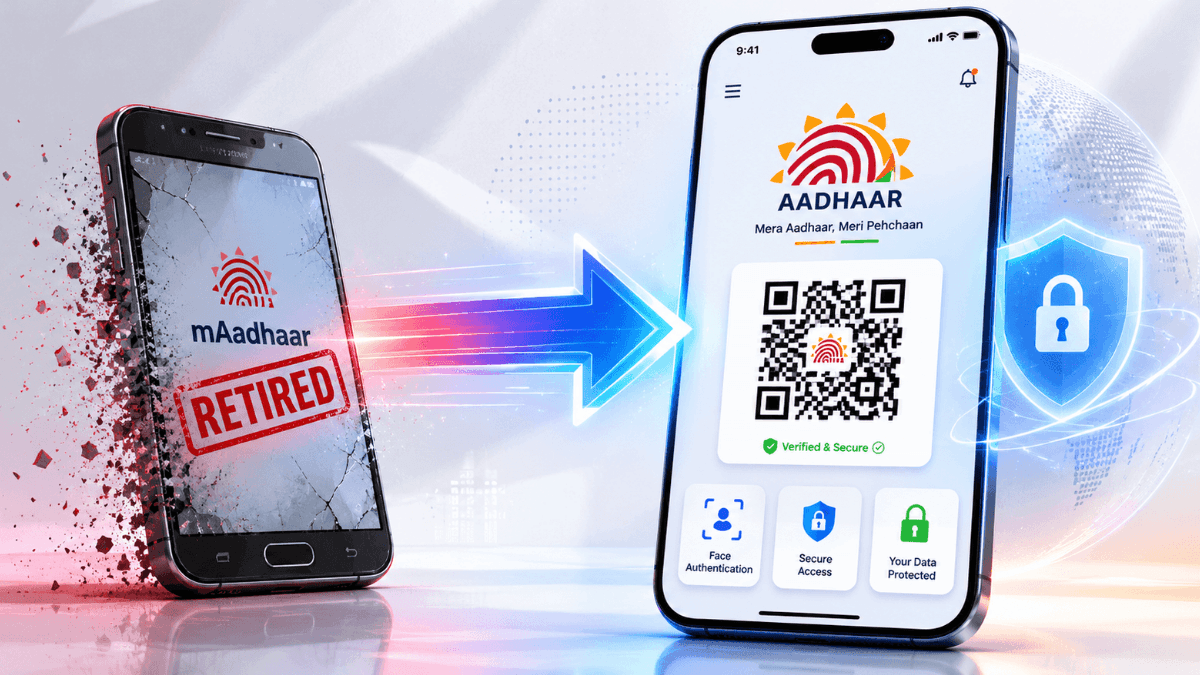
If you are still using the mAadhaar app on your smartphone, it is time for a quick change. The Unique Identification Authority of India (UIDAI) has officially decided to retire the old mAadhaar app to bring in a completely fresh, redesigned, and much safer ‘Aadhaar App‘. But why this sudden change? What happens to your digital ID, and how do you set up the new app? Let’s break down everything you need to know in simple words.
The Real Reason Why UIDAI is Closing the mAadhaar App
The legacy mAadhaar application served as a pioneer for mobile identity in India, but it carried architectural vulnerabilities suited to an older digital era. Whenever a user performed a verification check using mAadhaar, the application frequently displayed the entire set of personal identity details on the screen. In public or shared environments, this posed accidental privacy exposure risks.
To address modern cybersecurity threats and comply with advanced data protection principles, UIDAI built the new platform from scratch. Rather than providing a mere cosmetic layout change, the update completely alters how data is requested, shared, and stored on user devices.
The Core Philosophy: Selective Data Sharing : The standout improvement in the new application is the introduction of ‘Selective Share’ viaverifiable credentials. This security mechanism ensures that users can verify their identity without exposing their structural identification digits or full profile text to third parties.
Key Security and Interface Features
The newly deployed platform consolidates advanced biometrics and cryptographic protocols into a clean, modern user interface. Below are the key pillars of the upgrade:
1. Advanced Face Authentication
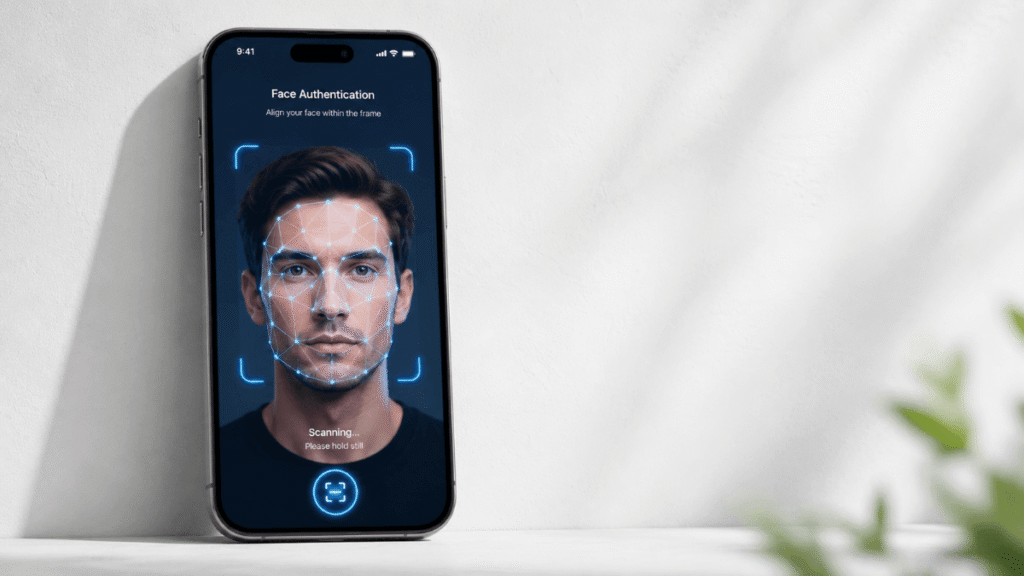
Moving away from a heavy reliance on traditional SMS-based One-Time Passwords (OTPs)—which canface network delays or SIM-swapping risks—the new system integrates native 1:1 facial matching. The app securely scans the live physical face of the holder and matches it mathematically against the encrypted facial data stored in the central secure repository during initial enrollment.
2. Secure QR Code-Based Identity Verification
Physical document handovers are rapidly becoming obsolete. The new platform generates dynamic,secure QR codes containing signed cryptographic credentials. This feature minimizes friction during in-person check-ins at hotels, airport checkpoints, hospitals, and administrative offices, facilitating completely paperless, instant validation.
3. Granular Biometric Locking Controls
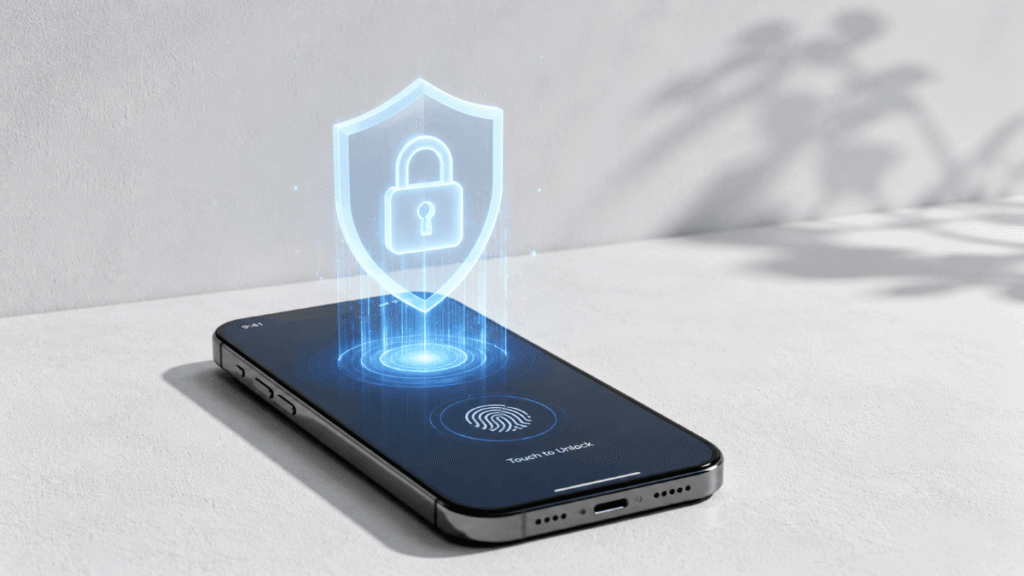
Residents now possess total sovereignty over their biometric profiles. The app features a master toggleallowing individuals to instantly lock or unlock fingerprint, iris, and facial authentication pathways. Oncelocked, any external server request to match biometrics is automatically rejected, completely mitigating unauthorized identity exploits or automated scanning on shared hardware platforms.
4. Multi-Profile Family Management
To support household administration, the platform allows a single smartphone terminal to securely anchor and manage up to five distinct individual profiles. Each profile remains isolated under separate programmatic permissions, making it exceptionally safe for families traveling together or managing senior citizen documentation.
Step-by-Step Guide: How to Download and Set Up the New App
Migrating to the new infrastructure does not require you to re-register or transfer physical data manually.You can seamlessly initialize your profile through the following sequence:
- Step 1: Download from Official Stores – Visit the official Google Play Store (for Android) or the Apple App Store (for iOS) and fetch the application published exclusively by the Unique Identification Authority of India. Avoid third-party APK links.
- Step 2: Language Localization – Open the application and choose your preferred structural language. The new application supports 13 major Indian languages to maximize regional accessibility.
- Step 3: Device Linkage via SMS – Provide your registered mobile number. The application will initiate a secure handshake by prompting a cryptographic SMS outbound message from your registered SIM card to verify device integrity.
- Step 4: Secure Password Anchor – Set up a robust 6-digit numeric access PIN or activate native device-level biometric unlocks (like fingerprint or Face ID) to safeguard local operations.
- Step 5: Profile Addition – Input your primary credentials and clear the secondary network OTP authorization to download your local secure virtual card credential.
Important Security Note: Single-Device Active Profile Policy To completely stop unauthorized cloning or device-sharing identity theft, the platform enforces a strict single-device policy. If a profile is activated on a new smartphone terminal, it is immediately deactivated and programmatically wiped from the previous device upon the next operation attempt.
Extended Portal Benefits: Free Updates Prolonged
Alongside this major mobile rollout, UIDAI has extended a crucial administrative benefit on its web-based counterpart. The free online document update service available via the central myAadhaar portal—originally slated to convert to a paid framework—has officially been extended until June 14, 2027. Thisgives residents plenty of time to re-verify or refresh aging demographic and address attributes without financial penalties.
Hello friends, how did you like this post? If you got information from this and liked the post, then tell us in the comments and for such daily government jobs, schemes and new news, visit our site Janhitgyan.com. Thank you. Aadhaar Pan card link
Information & Media Credit Notice: This comprehensive coverage is compiled with reference to official regulatory notices
published by the Unique Identification Authority of India (UIDAI) and investigative tech reports from leading industry publishers,
including The Economic Times, Lokshahi English News, and India.com.